



Sitting Desk to Standing Desk: Complete Set up and Ergonomic Guide 2026
Desk-based work has become part of everyday life for many Australians, especially with the rise of hybrid work and home offices. However, sitting for long hours can easily lead to stiffness, poor posture, and reduced daily movement.
A standing desk helps you switch more naturally between sitting and standing, making it easier to reduce prolonged sitting and stay active during the workday. In this guide, we’ll cover how to set up a standing desk, transition gradually, avoid common mistakes, and build a healthier sit-stand routine for long-term use.
Is a Standing Desk Right for Your Work Style?
A standing desk suits computer-based workers who need more posture changes during long workdays, especially when sitting leads to stiffness, fatigue, or shoulder tension. It is not about standing all day. Instead, the goal is to create more movement and give your body regular changes in posture.
For many Australians, working indoors for long hours can make poor posture harder to notice. When the weather turns cooler, it is easy to stay seated for longer, hunch over your laptop, and forget to move. Standing while working can help break this habit. It may reduce neck and shoulder stiffness, encourage better circulation, and support a healthier balance between sitting and standing.
A standing desk is especially useful for home offices, hybrid work setups, dual-monitor workstations, and long computer-based tasks.

Sitting Desk to Standing Desk Step-by-Step Guide
Making the switch to a standing desk is easiest when you approach it gradually, starting with your current setup and adjusting each part of your workstation step by step.
Assess Your Current Desk Setup
Before buying a standing desk, review your workspace. Check your desk height, chair position, monitor placement, floor space, and cable layout. Also, note when discomfort usually appears during the day.
Make sure your desk has enough room for your monitor, keyboard, mouse, laptop, documents, and accessories. Check whether your chair fits under the desk and whether cables limit movement. These checks help you decide whether a converter is enough or whether a full standing desk is the better upgrade.
Choose the Right Standing Desk Solution
There are two common options: a standing desk converter or a full standing desk.
A standing desk converter sits on top of your existing desk and raises part of your workstation. It suits occasional sit-stand use and smaller budgets.
A full standing desk replaces your current desk and gives you more flexibility, stability, and workspace. It is usually the better option if you work at your desk every day or want a long-term ergonomic upgrade.
Quick decision guide:
|
Your Situation |
Better Choice |
|
You only want to try sit-stand working occasionally |
Standing Desk Converter |
|
You have a very limited budget |
Standing Desk Converter |
|
You work at your desk for long hours every day |
Standing Desk |
|
You need a more stable setup |
Standing Desk |
|
You use dual monitors or heavier equipment |
Standing Desk |
|
You want more desktop space |
Standing Desk |
|
You switch between sitting and standing multiple times a day |
Standing Desk |
|
You want a long-term ergonomic investment |
Standing Desk |
Adjust Your Workstation for Better Ergonomics
Good ergonomics depends on the whole workstation, not just the desk. Your chair, desk, monitor, keyboard, and mouse should work together.
Adjust your chair first. Keep your feet flat on the floor and your knees at about a 90-degree angle. Then set your desk height so your elbows stay close to your body and your forearms rest comfortably while typing.
Place your monitor at eye level and about an arm’s length away. Keep your keyboard and mouse close enough that you do not need to reach forward or lift your shoulders.
Test Your Standing Posture and Comfort
When standing, keep your feet roughly hip-width apart and spread your weight evenly. Avoid locking your knees, leaning to one side, or raising your shoulders while typing.
Use supportive footwear or an anti-fatigue mat if you plan to stand regularly. If standing creates pressure points, adjust your desk height, footwear, or floor support before increasing your standing time.
Start with Short Standing Sessions
Do not move from sitting all day to standing for several hours at once. Start with short standing sessions, such as 15 to 20 minutes, then return to sitting. Increase your standing time gradually as your body adapts.
As you test different sit-stand intervals, you may notice whether your workspace needs better height flexibility, a larger desktop, stronger stability, or easier adjustment controls.
How to Choose the Right Standing Desk for Your Workspace
Once you understand how you plan to use a standing desk, the next step is choosing a model that fits your space, equipment, and daily work habits.
Consider Desk Size and Workspace Layout
Start with the space you actually have. In Australia, that might be a dedicated home office in a suburban house, a compact apartment corner, a townhouse study nook, or a rental-friendly setup in a shared living area.
Measure the available width, depth, and chair clearance before choosing a desk. Make sure the desk fits comfortably without crowding the room. Check nearby power points and leave enough space to move around your workstation.
Check Height Range and Adjustability
Make sure the desk can be adjusted to a comfortable height for both sitting and standing. You should be able to type with your elbows relaxed by your sides and your wrists in a neutral position. To help you determine the ideal ergonomic setup, refer to this general height guide:
|
User Height |
Sitting Desk Height |
Standing Desk Height |
|
150 cm / 4'11" |
60–64 cm (23.6–25.2") |
90–95 cm (35.4–37.4") |
|
155 cm / 5'1" |
62–66 cm (24.4–26.0") |
93–98 cm (36.6–38.6") |
|
160 cm / 5'3" |
64–68 cm (25.2–26.8") |
95–100 cm (37.4–39.4") |
|
165 cm / 5'5" |
66–70 cm (26.0–27.6") |
98–103 cm (38.6–40.6") |
|
170 cm / 5'7" |
68–72 cm (26.8–28.3") |
100–105 cm (39.4–41.3") |
|
175 cm / 5'9" |
70–74 cm (27.6–29.1") |
103–108 cm (40.6–42.5") |
|
180 cm / 5'11" |
72–76 cm (28.3–29.9") |
105–110 cm (41.3–43.3") |
|
185 cm / 6'1" |
74–78 cm (29.1–30.7") |
108–113 cm (42.5–44.5") |
|
190 cm / 6'3" |
76–80 cm (29.9–31.5") |
110–115 cm (43.3–45.3") |
If you plan to switch positions often, look for smooth height adjustment and memory presets. These features make it easier to move between sitting and standing without having to reset the desk height each time.

Look for Stability and Weight Capacity
For long-term daily use, stability matters more than many people expect. This is especially true if you use dual monitors, monitor arms, speakers, or heavier equipment. A wobbly desk can break your concentration during focused work, especially when typing, writing, or adjusting your screen. It may also increase the risk of monitors, drinks, or desk accessories shifting or tipping over when the desk moves.
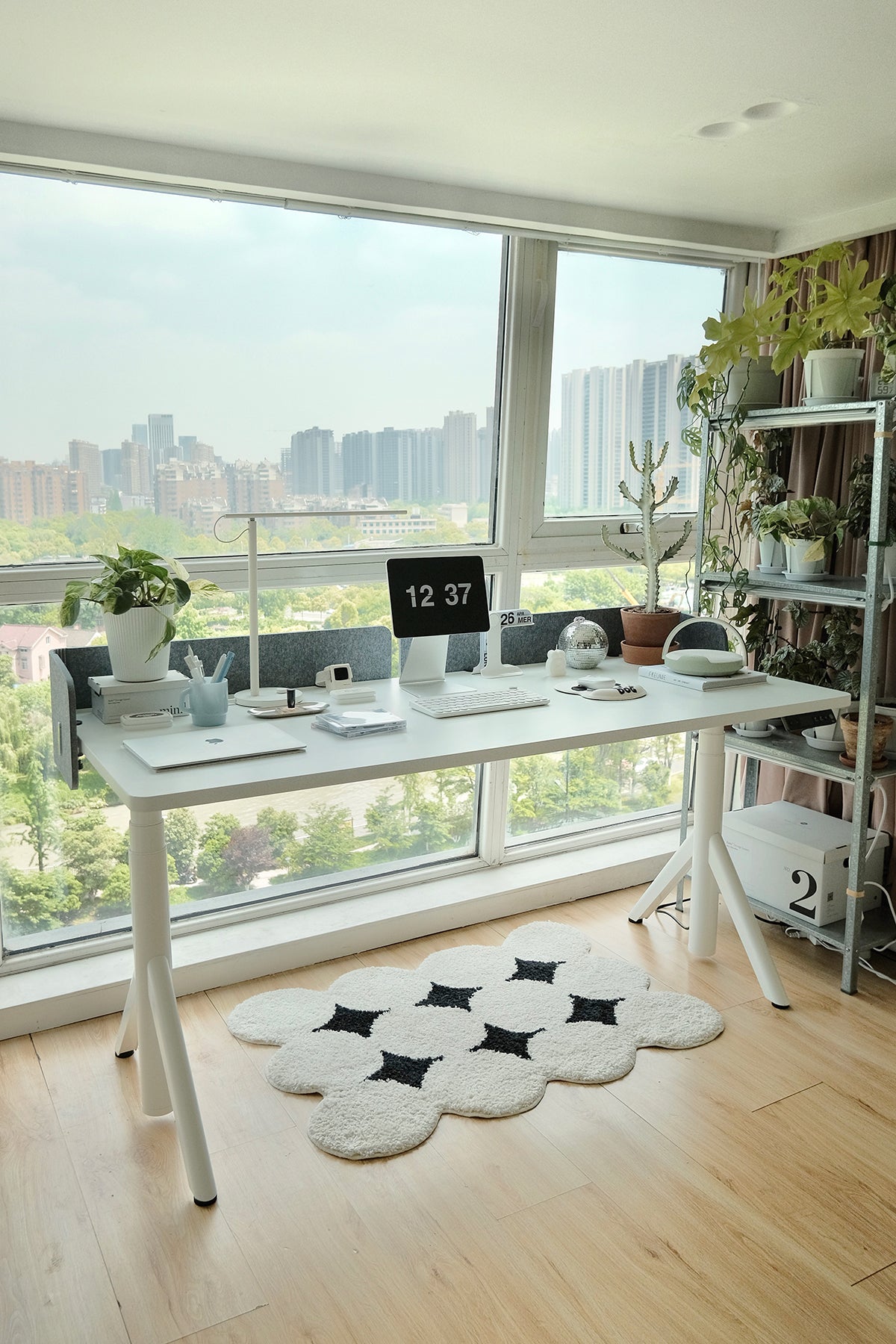
A desk like the Pesk Pro Hardwood Home Office Electric Standing Desk is a strong option for users who want a more stable workstation. Its thicker legs and larger feet help create a firmer base, while the Bosch dual motor system supports smoother and steadier height adjustments.
Think About Cable Management and Storage
A standing desk should also help your workspace feel organised. Cable trays, clips, drawers, and storage features can make a big difference, especially in a home office where your desk is part of your living space. Loose cables hanging under the desk or spreading across the floor can quickly make the room feel cluttered and harder to keep tidy. In smaller apartments, shared spaces, or open living areas, messy cables can also feel visually distracting and create tripping hazards around the workstation.
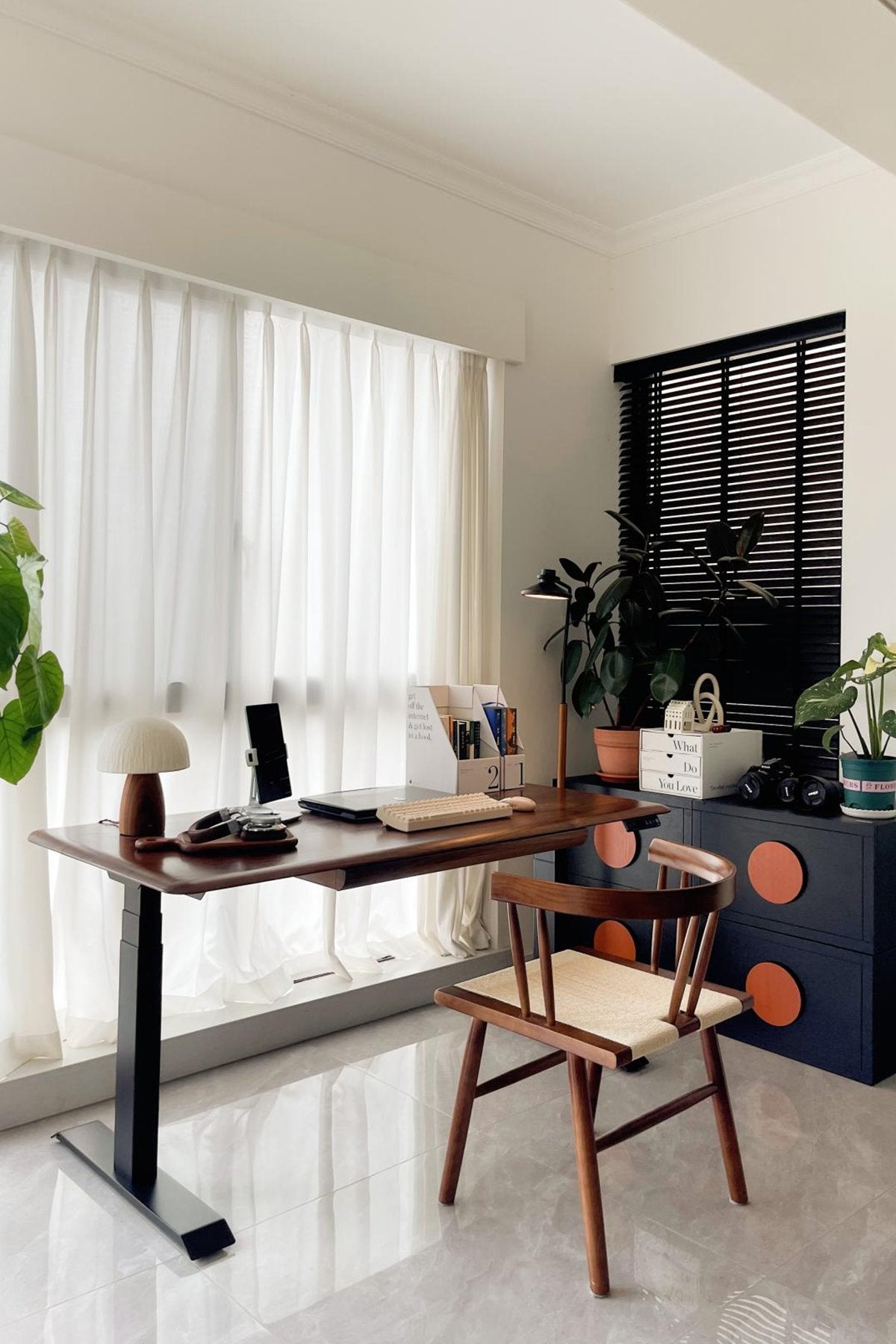
For users who want both function and a refined appearance, the Dora Pro Solid Wood Smart Electric Standing Desk is worth considering. It combines a high-end solid wood desktop, integrated drawer, colourful ambient sensor light, colour-screen smart controller, and quick-install design. It is suitable for people who want a stylish, practical, and smarter home office setup.
How to Use a Standing Desk Correctly
After setting up your desk, using it correctly each day is what turns a standing desk from a simple furniture upgrade into a healthier work routine.
Adjust the Desk Height Properly
Set your standing desk at separate heights for sitting and standing. When the desk is too high, your shoulders may lift. When it is too low, you may lean forward or bend your wrists while typing.
Aim for a height that keeps your elbows close to your body and your wrists straight in both positions. Many 9amHome standing desks include height preset functions, allowing you to save your preferred sitting and standing heights. This makes daily position changes faster and easier without manual adjustment each time.
Build a Healthy Sit-Stand Routine
The best routine is one you can maintain. Start by sitting for 30 to 45 minutes, then standing for 15 to 20 minutes. Adjust the timing based on comfort, workload, and energy levels.
Smart reminder functions on some standing desks can prompt you to change position before stiffness builds up, which makes the routine easier to follow over time.
Common Mistakes When Switching to a Standing Desk
Even with the right desk, small setup or usage mistakes can make the transition less comfortable, so it is important to know what to avoid from the beginning.
-
Leaning on one leg while standing: This can create uneven pressure through your hips, knees, and lower back. If your desk height is wrong or you do not use an anti-fatigue mat, your body may shift weight to one side for comfort, which can lead to muscle fatigue over time.
-
Switching too quickly: Standing for long periods before your body adapts can cause fatigue or discomfort. Start with short sessions and increase standing time gradually.
-
Standing all day: A standing desk should support movement, not replace sitting completely. A more sustainable approach is to alternate between sitting and standing.
-
Using the wrong desk height: If the desk is too high, your shoulders may lift. If it is too low, you may hunch forward. Keep your elbows close to your body and your wrists neutral.
-
Ignoring body feedback: Neck stiffness, wrist strain, back discomfort, or tired legs usually signal that your setup needs adjustment. Change your desk height, monitor position, standing time, footwear, or floor support when discomfort appears.
-
Treating the desk as a complete fix: A standing desk works best with good posture, correct monitor height, regular breaks, supportive footwear, and an organised workspace.
Conclusion
Transitioning from a sitting desk to a standing desk does not need to be difficult. By starting slowly, setting up your workstation correctly, and choosing a desk that suits your space and work style, you can create a healthier and more comfortable daily routine.
With the Australian EOFY approaching, now is a great time to consider upgrading your workspace and changing the way you work. Whether you are setting up a home office, improving a hybrid work area, or investing in a more ergonomic professional workspace, 9amHome standing desks offer practical options designed for comfort, stability, and everyday use.
FAQ
Is a standing desk better than a standing desk converter?
A standing desk is usually better for long-term daily use because it offers more stability, more desktop space, and smoother height adjustment. A converter is better if you only want to try standing occasionally or have a limited budget.
Is a standing desk suitable for working from home in Australia?
Yes. A standing desk is well-suited to Australian home offices, whether you work in a dedicated room, apartment corner, study nook, or shared living area. It helps create a more flexible and ergonomic workspace.
How long should you stand at a standing desk?
Start with 15 to 20 minutes at a time, then gradually increase your standing sessions. The aim is to alternate between sitting and standing, not to stand all day.
What is the best height for a standing desk?
The best height allows your elbows to stay close to your body at about a 90-degree angle while your wrists remain straight. Your monitor should be at eye level and about an arm’s length away.
How do you build a sustainable sit-stand work routine?
Start slowly, use height presets, set reminders, listen to your body, and change positions regularly. A sustainable routine should feel natural and comfortable rather than forced.

Leave a comment